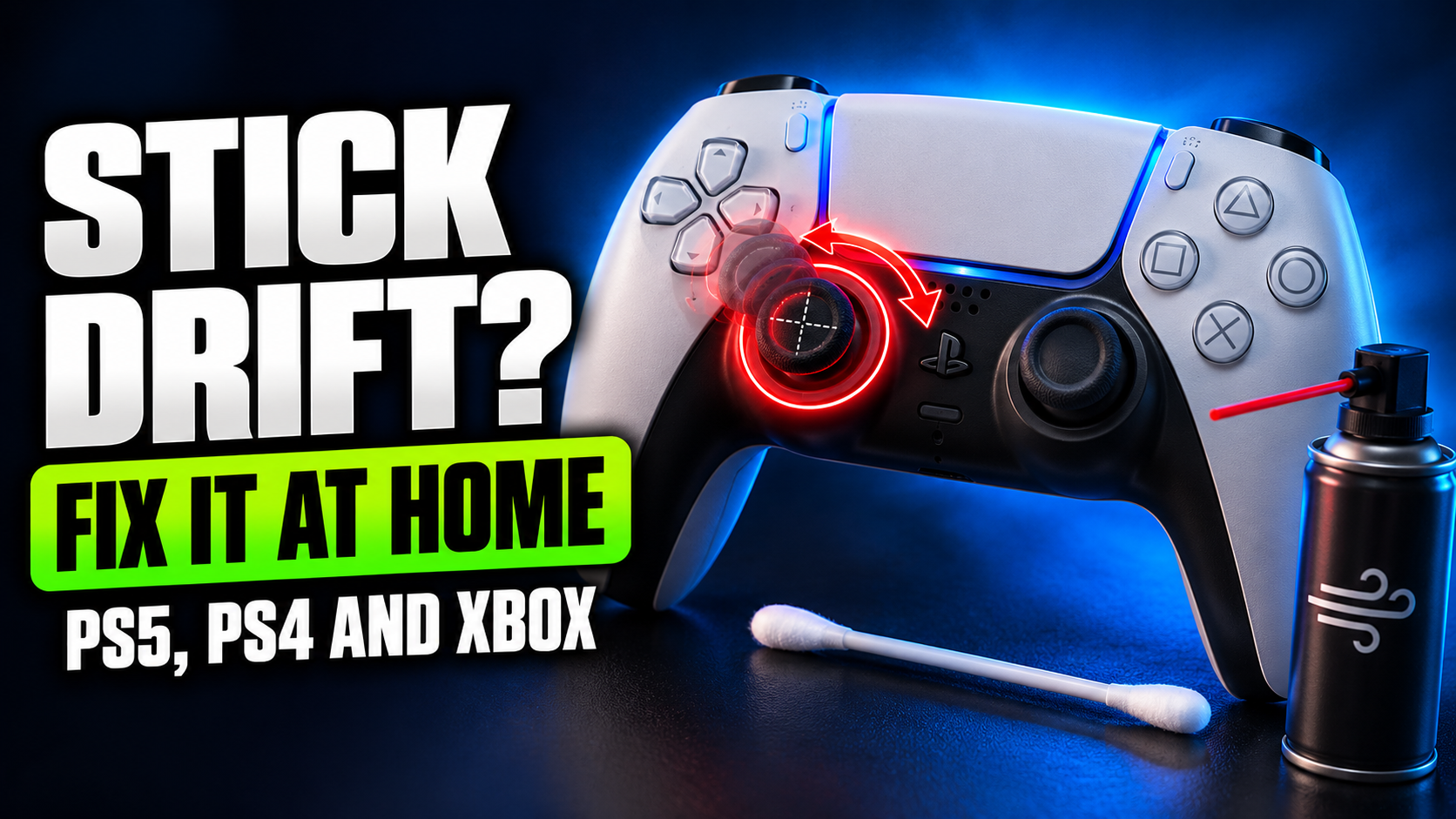
You let go of the stick. Your character keeps walking. Slowly, confidently, off a cliff. That’s stick drift, and almost every controller gets it eventually. The good news is that some fixes cost nothing, a few take five minutes, and even when the hardware is worn out, you have options…
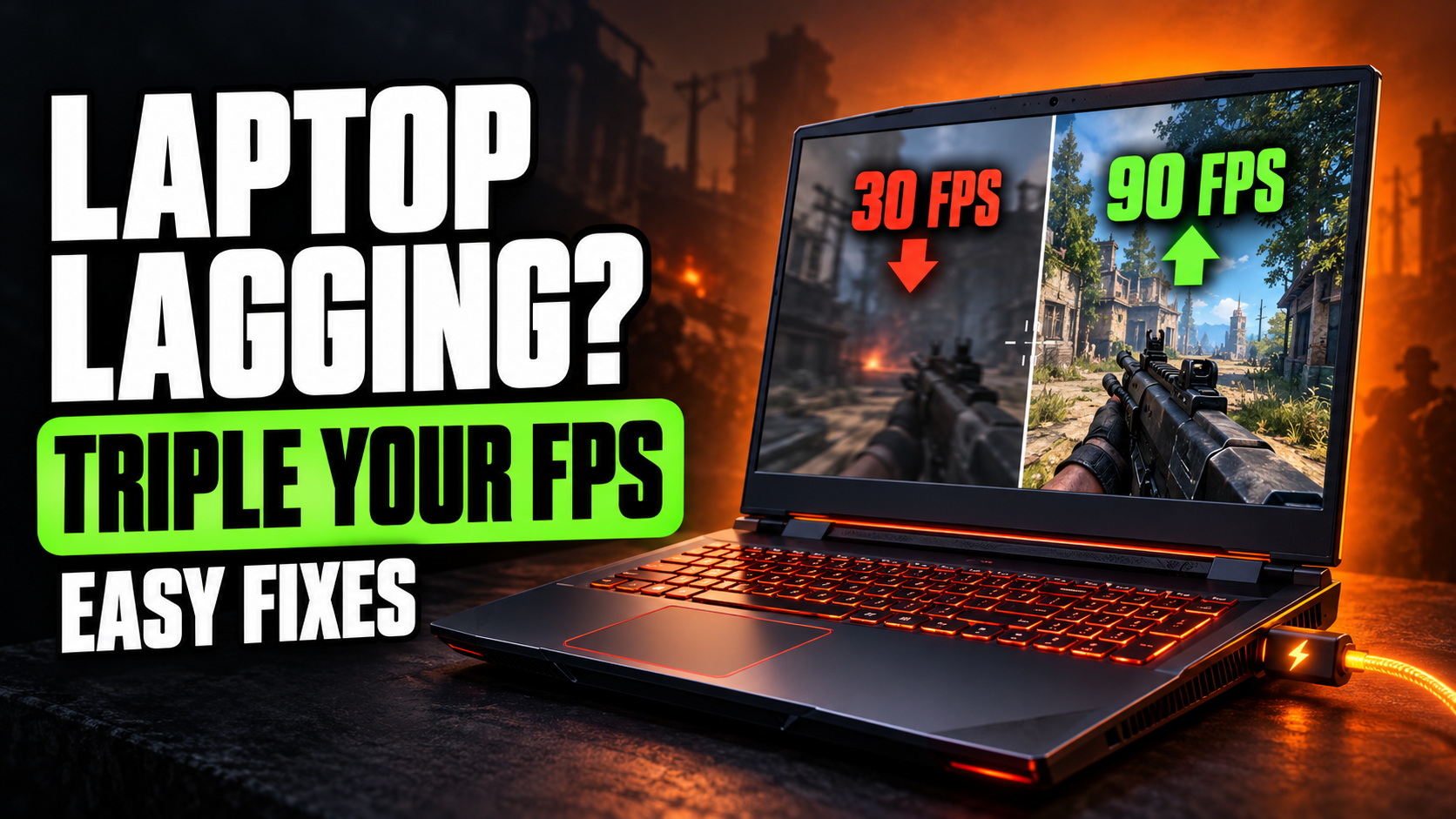
Your gaming laptop has a proper graphics card. The box said so. The sticker on the palm rest says so. And yet games run like they’re being played on a calculator. This is extremely common, and the cause is usually not the hardware. Gaming laptops have a bunch of power…
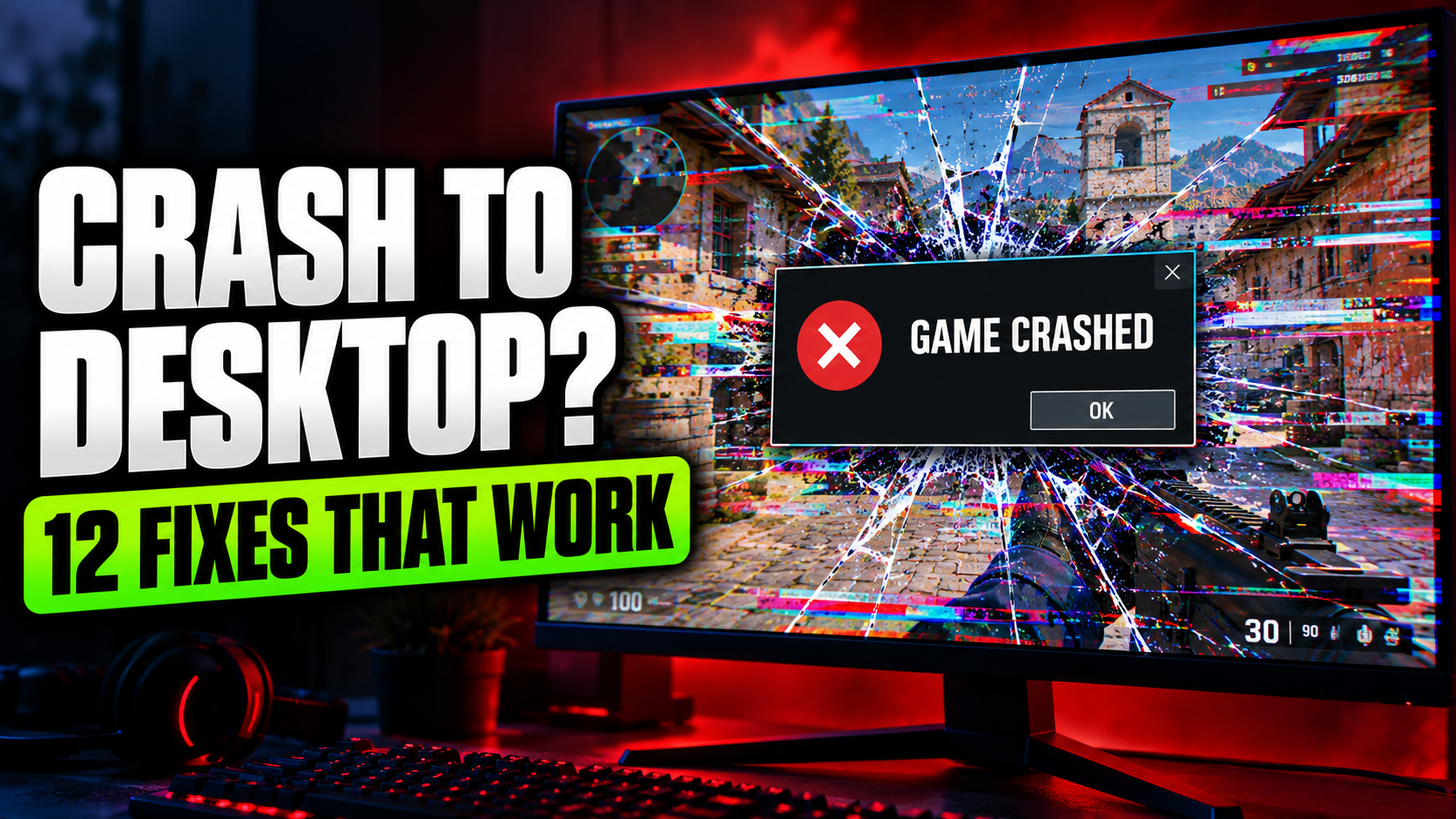
No error message. No warning. One second you’re in the middle of a fight, the next you’re staring at your desktop wallpaper like it personally betrayed you. Crashing to desktop is one of the most annoying PC problems because it can have a dozen different causes. The fixes below are…
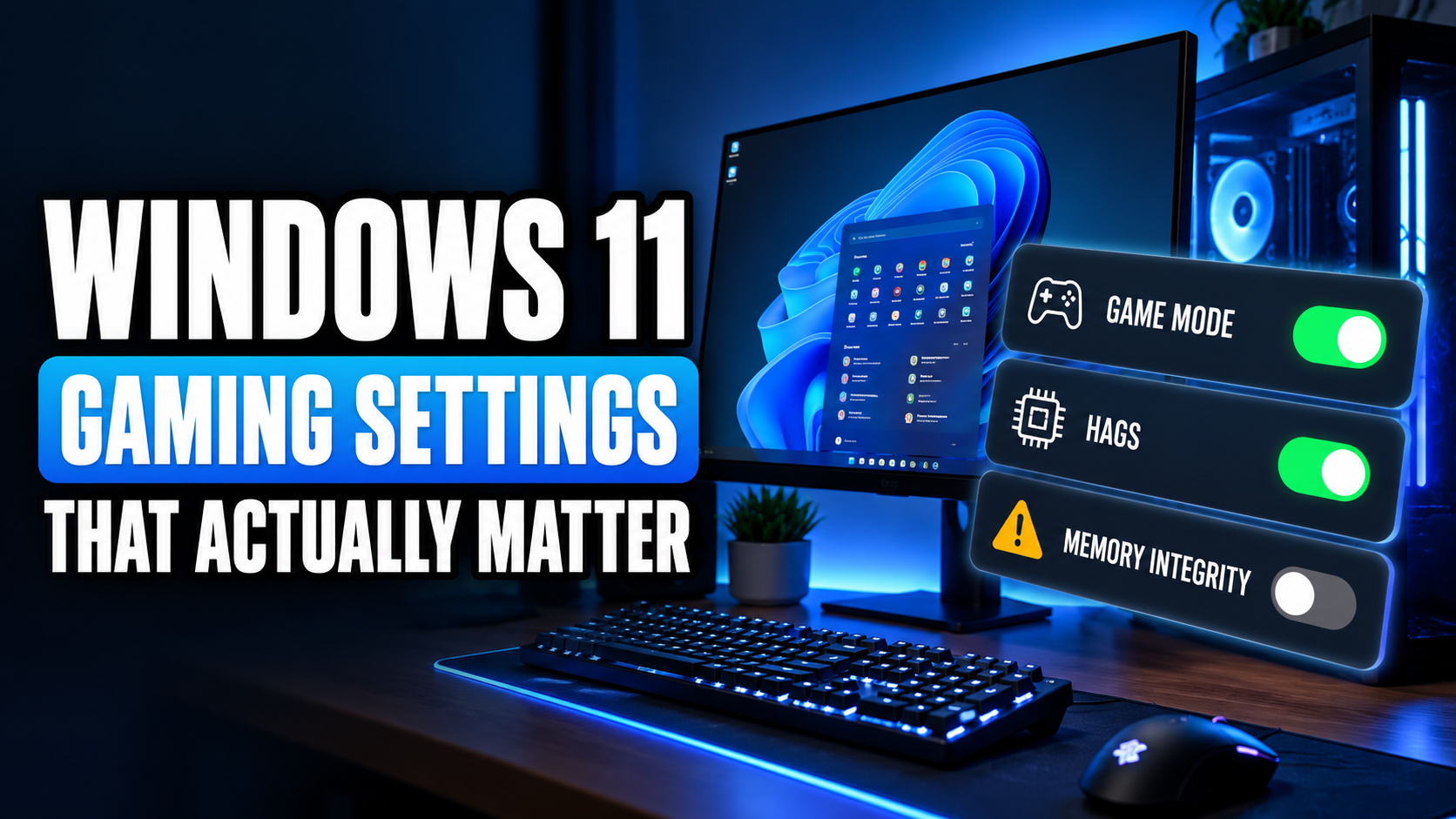
Search for “Windows 11 gaming tweaks” and you’ll find videos promising 200 extra FPS if you disable 47 services, run a mysterious script from a stranger, and delete half of Windows. Please don’t. Most of those tweaks do nothing. A few are actively risky. But there are a handful of…
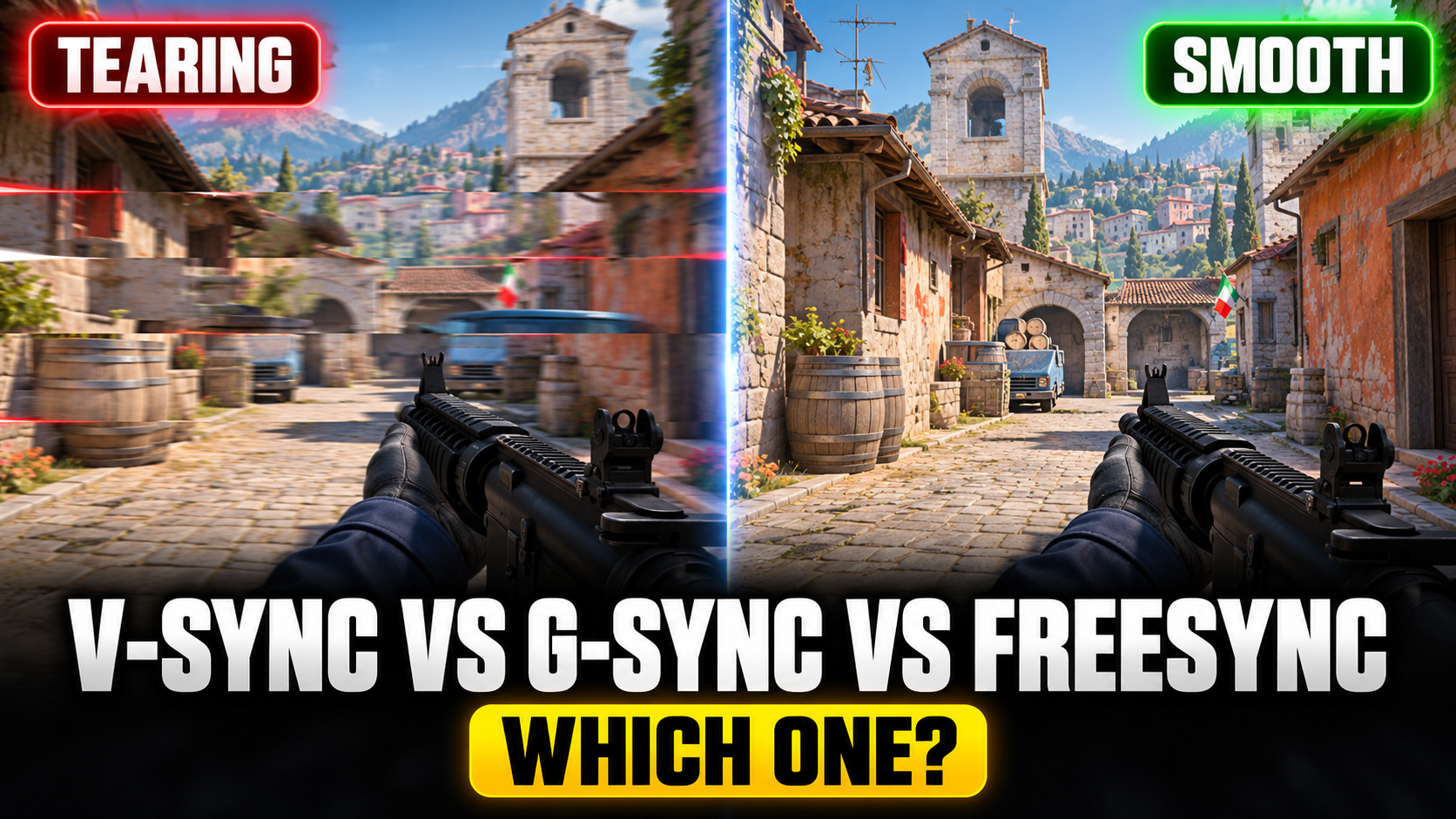
You’re playing, you turn the camera quickly, and the screen splits into two misaligned halves for a split second. That’s screen tearing. So you turn on V-Sync, the tearing goes away, and suddenly your mouse feels like it’s moving through honey. Welcome to the oldest trade-off in PC gaming. The…
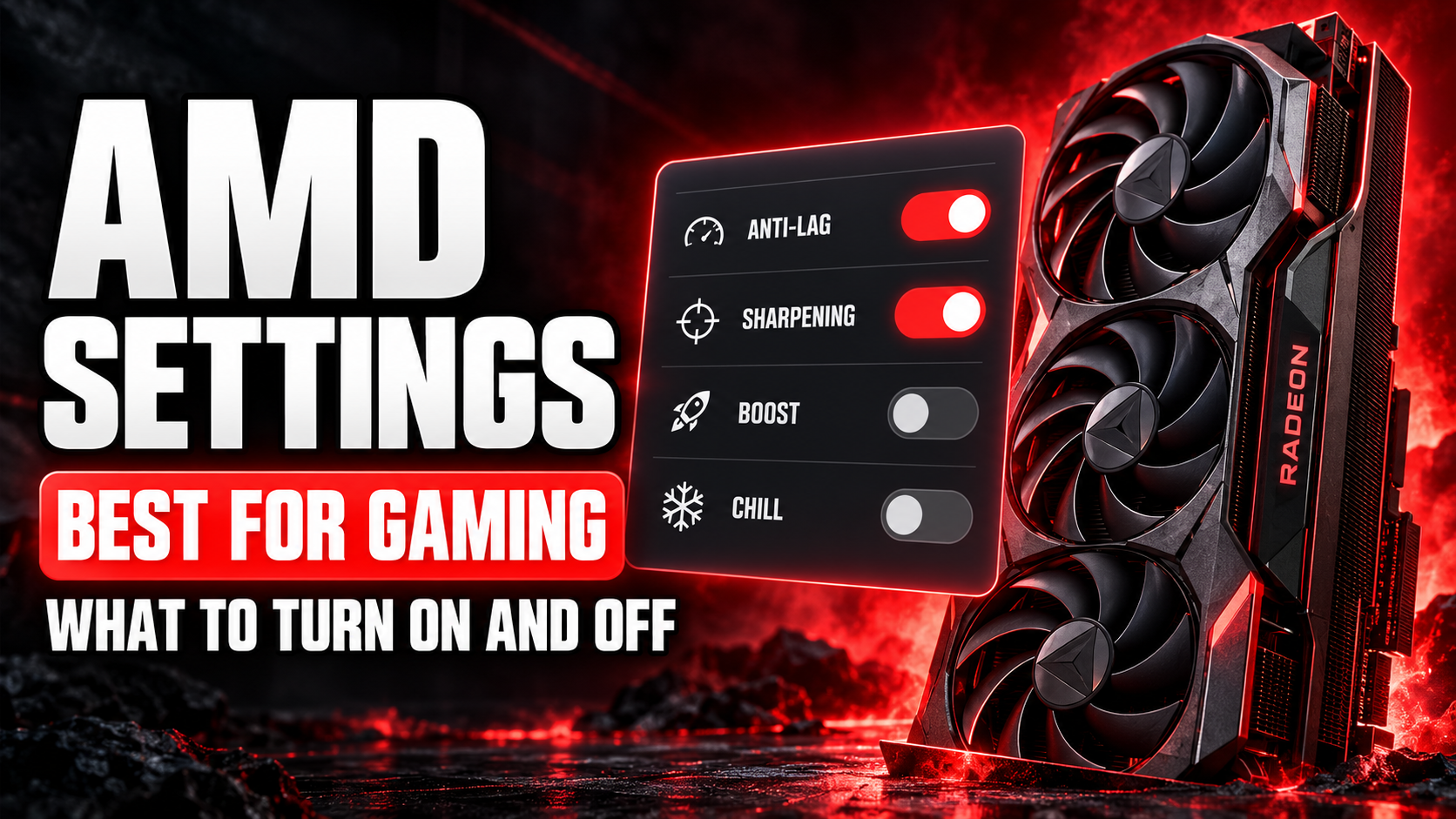
AMD Software: Adrenalin Edition is much friendlier than NVIDIA’s old control panel. It’s also packed with features that have very confident names: Boost, Chill, Anti-Lag, Fluid Motion Frames, HYPR-RX. Turn them all on and you’d think your PC becomes a race car. It doesn’t. Some of these features are great,…
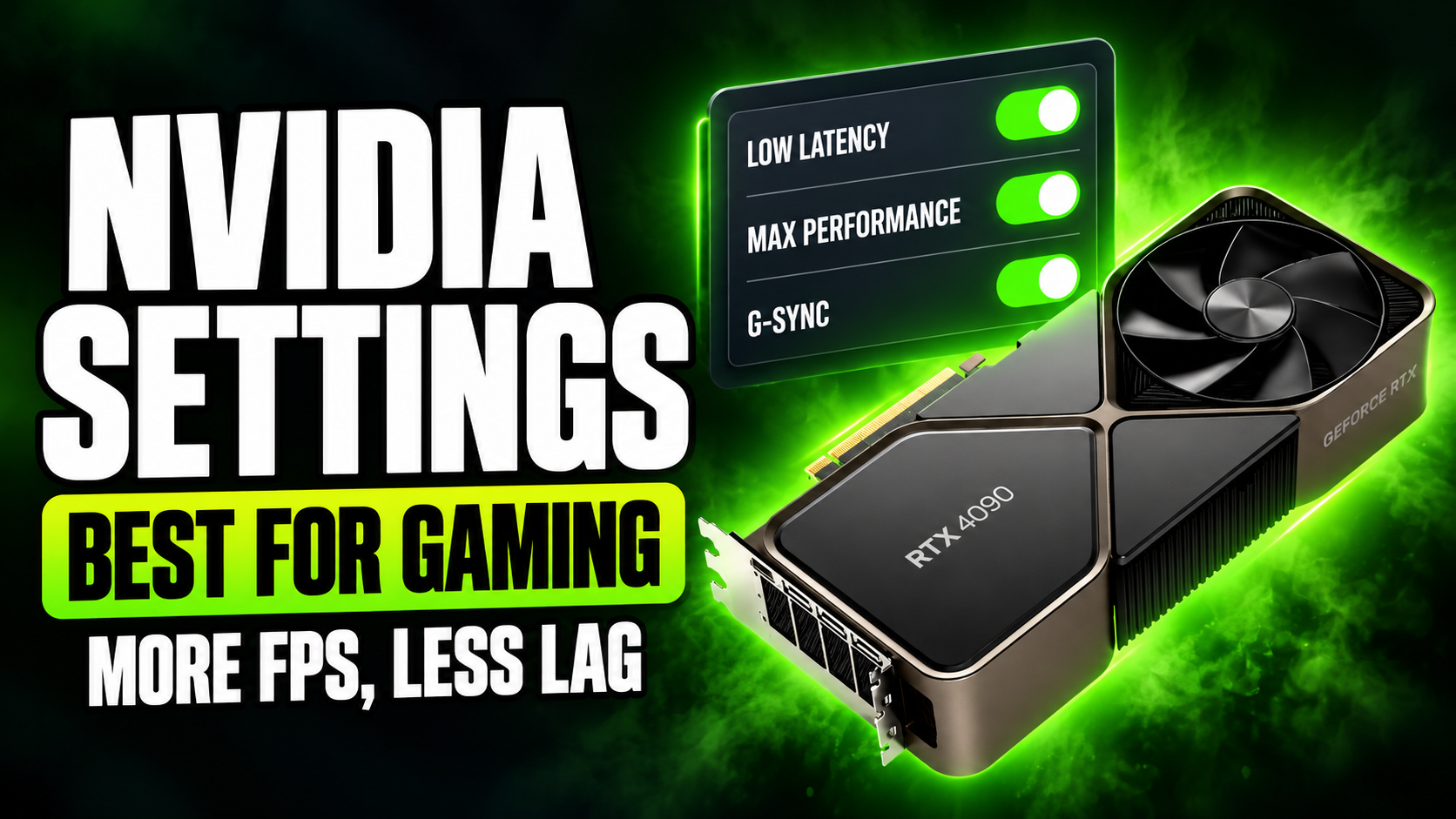
The NVIDIA Control Panel looks like it was designed in 2008, mostly because it was. It’s full of settings with names like “Threaded optimization” and “Texture filtering: Negative LOD bias,” and almost nobody knows which ones matter. Good news: only a handful actually make a difference. This guide covers the…