
GTA 6 Beginner Tips: 15 Things to Do First
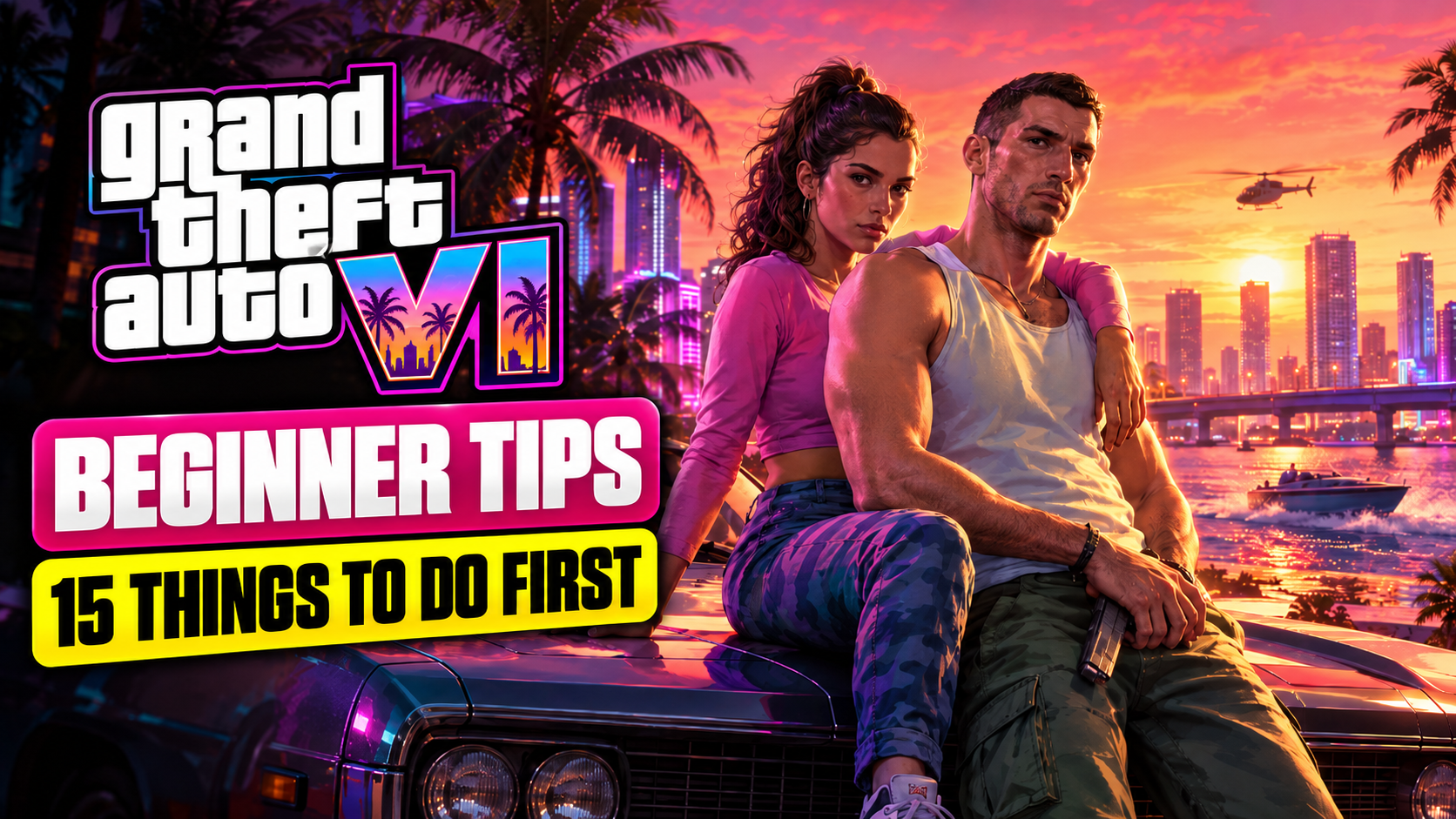
GTA 6 is finally here, or very nearly, depending on when you’re reading this. After more than a decade of waiting, you’re about to drop into Leonida with two protagonists, a six-star wanted system and a map packed with places to explore.These tips are built from what Rockstar has officially confirmed and shown before launch. They cover what to do before the game unlocks, how to settle in during your first few hours, and how to avoid the classic beginner mistakes. We’ll add more gameplay-specific tips after launch week.
Before the Game Unlocks
1. Pre-Load From November 12
If you bought GTA 6 digitally on PS5 or Xbox Series X|S, you can start pre-loading from local midnight on November 12. Physical copies come with a download code, and once you redeem it, you can pre-load too.Do this early. Download speeds on launch week are going to be rough, and nobody wants to spend launch night watching a progress bar.
2. Clear Storage Space Now
Rockstar hasn’t confirmed the final install size, but it’s not going to be small. Clear plenty of space on your console’s internal storage before November 12. Delete games you haven’t touched in months. You can always redownload them later.
3. Redeem Your Physical Code Early
If you bought the boxed version, remember there’s no full game on a disc. It’s a code. Redeem it the moment you get it so your pre-load can start.
4. Check Your GTA+ Trial
Digital pre-orders include a free month of GTA+. The store listing says it renews into a paid subscription unless you cancel. Set a reminder if you don’t plan to keep it.
5. Stay Away From Spoilers
Once the game launches, story spoilers will be everywhere: YouTube thumbnails, Instagram reels, comment sections. If you care about the story, mute keywords like “GTA 6 ending” and avoid gameplay videos until you’ve played through.
Your First Hours in Leonida
6. Set Up Your Display Settings Properly
Before you start playing, go through the display and brightness settings. If your TV supports HDR, take a minute to calibrate it. A good setup makes Vice City’s neon nights look the way they’re supposed to.While you’re there, check subtitle, camera and controller options. Small changes like camera sensitivity make a big difference over a game this long.
7. Don’t Rush the Story
GTA 6 is built around Jason and Lucia’s story, and the extended look showed you’ll play as both at different points. Take the story at your own pace. Rushing main missions back to back means missing most of what makes Leonida fun.
8. Explore Beyond Vice City
Vice City is the headline, but Rockstar has shown much more: the Leonida Keys, swamplands, at least one national park and a seaside port. Some of the best moments in GTA games happen when you drive somewhere random just to see what’s there.
9. Learn Each Character’s Strengths
Jason and Lucia don’t play exactly the same. In the extended look, Jason slows down time to mark targets and line up shots, and Lucia shows up close combat skills. Learn what each character does well and use it in fights.
10. Use Cover in Gunfights
The trailers show a lot of cover-based combat, with characters ducking behind tables and boxes. Charging into a room in GTA has always been a fast way to watch a loading screen. Use cover, pick your shots and fight smart.
11. Respect the Six-Star Wanted System
GTA 6 brings back a six-star wanted level. The higher it climbs, the harder the response gets. If a mission doesn’t require chaos, don’t start it. Breaking line of sight and getting away early is much easier than escaping at five stars.
12. Do the Side Activities
The extended look showed plenty to do outside missions, like hitting clubs and base-jumping. Side activities are where GTA games hide some of their best moments. Mix them in between story missions.
13. Pet the Dog
Yes, really. The extended look showed a dog you can pet in an apartment complex. It won’t help you finish missions faster, but it’s mandatory for morale.
14. Don’t Spend Real Money in the First Week
The store listing mentions optional in-game purchases, but Rockstar hasn’t detailed how they’ll work. Wait until you understand the game’s economy before spending real money on anything.
15. Save Often
Open world games can surprise you. A mission goes wrong, a car flips off a bridge, or you get an idea that seemed great for about four seconds. Save regularly so a bad moment doesn’t cost you an hour.
Quick Launch Checklist
Task | When | Pre-load the game | From November 12 | Clear console storage | Before November 12 | Redeem physical code | As soon as you get it | Set a GTA+ renewal reminder | When you pre-order | Mute spoiler keywords | Launch day | Set up display and HDR | Before your first mission |
FAQs
When can I pre-load GTA 6?Digital and redeemed physical copies on PS5 and Xbox Series X|S can pre-load from local midnight on November 12, 2026.How big is GTA 6?Rockstar hasn’t confirmed the install size. Clear plenty of space ahead of time.Can I play as both Jason and Lucia?Yes. Rockstar’s extended look showed both characters playable at different points in the story.Is GTA 6 on PC?Not at launch. GTA 6 launches on PS5 and Xbox Series X|S only. For the full details, read our guide on everything to know about GTA 6’s price, platforms and PC release.Does GTA 6 have GTA Online?Rockstar hasn’t announced an online mode or a date for one yet.
Still deciding which edition to buy? Our GTA 6 price and platforms guide breaks down Standard vs Ultimate.

