Best Laptops for CS2: Max FPS, Low Latency Competitive Edge
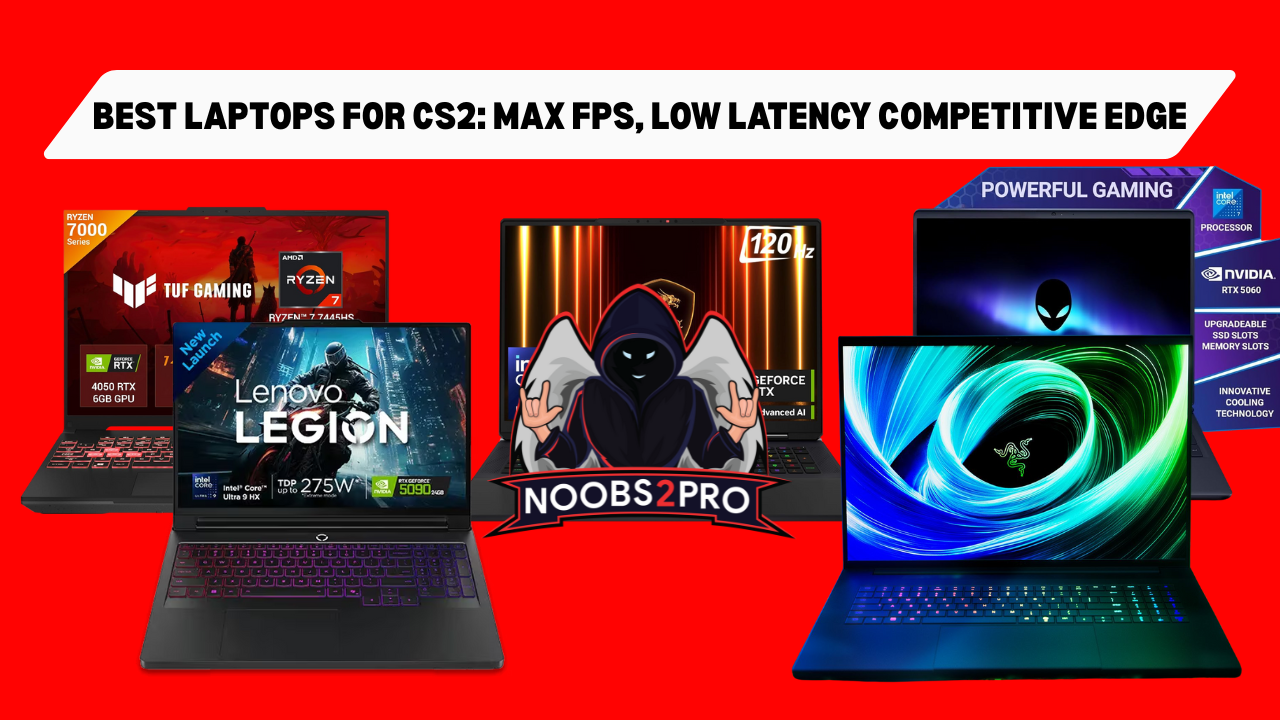
For Counter-Strike 2 (CS2), every millisecond counts. Unlike most AAA games that target 60 FPS, CS2 demands frame rates of 144 FPS and ideally 300+ FPS to fully utilize high refresh rate displays (144Hz, 240Hz, 360Hz). Achieving this consistent performance requires a laptop engineered for maximum sustained FPS and minimal system latency.
Non-Negotiable Core Specifications for CS2
The components that maximize FPS and minimize input lag are paramount for competitive play:
- Display Refresh Rate: 144Hz is the minimum competitive standard. 240Hz or 360Hz is highly recommended for elite play.
- CPU: While CS2 is GPU-reliant, modern Intel Core i7/i9 (HX-series) or AMD Ryzen 7/9 (HX-series) processors are needed to feed the GPU the necessary data to maintain stable, high frame rates.
- System Latency: Look for laptops supporting NVIDIA Reflex, which dynamically reduces system input lag (delay from mouse click to screen action).
- GPU: The GPU must be powerful enough to push 300+ FPS consistently at 1080p, even through complex smoke and action. RTX 40-Series (or newer RTX 50-Series) is essential.
Tier 3: Budget Competitive (144+ FPS)
This tier ensures you clear the 144 FPS threshold—the fundamental requirement for any serious competitive player. These models leverage the efficiency of modern entry-level GPUs to deliver speed where it counts.
- Target User: New competitive players or those on a strict budget.
- Key Focus: Achieving a stable 144 FPS minimum to match the screen’s refresh rate.
Recommended Laptop Models:
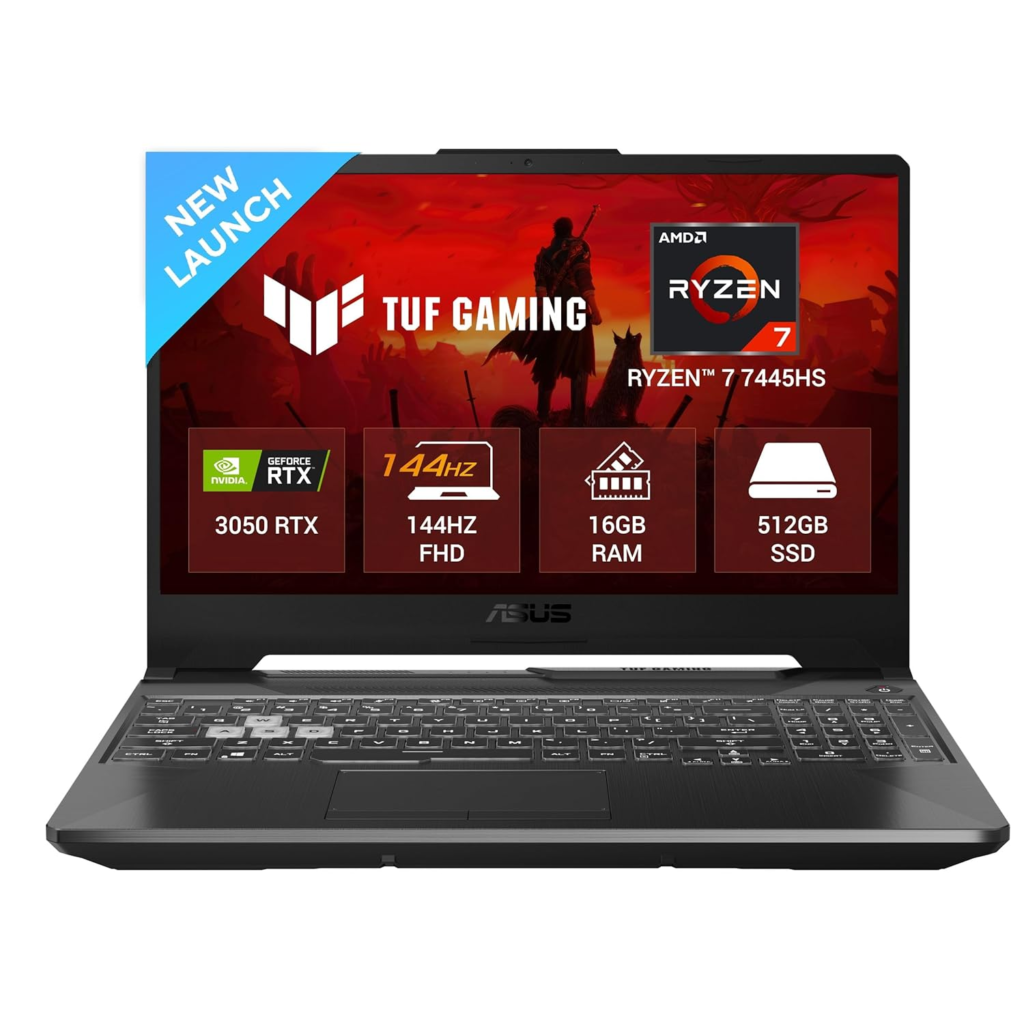
- ASUS TUF Gaming A15 / F15 (RTX 4050/4060): The most reliable budget option. The RTX 4060 easily clears 144 FPS in CS2 and provides access to newer CPU generations at a competitive price.
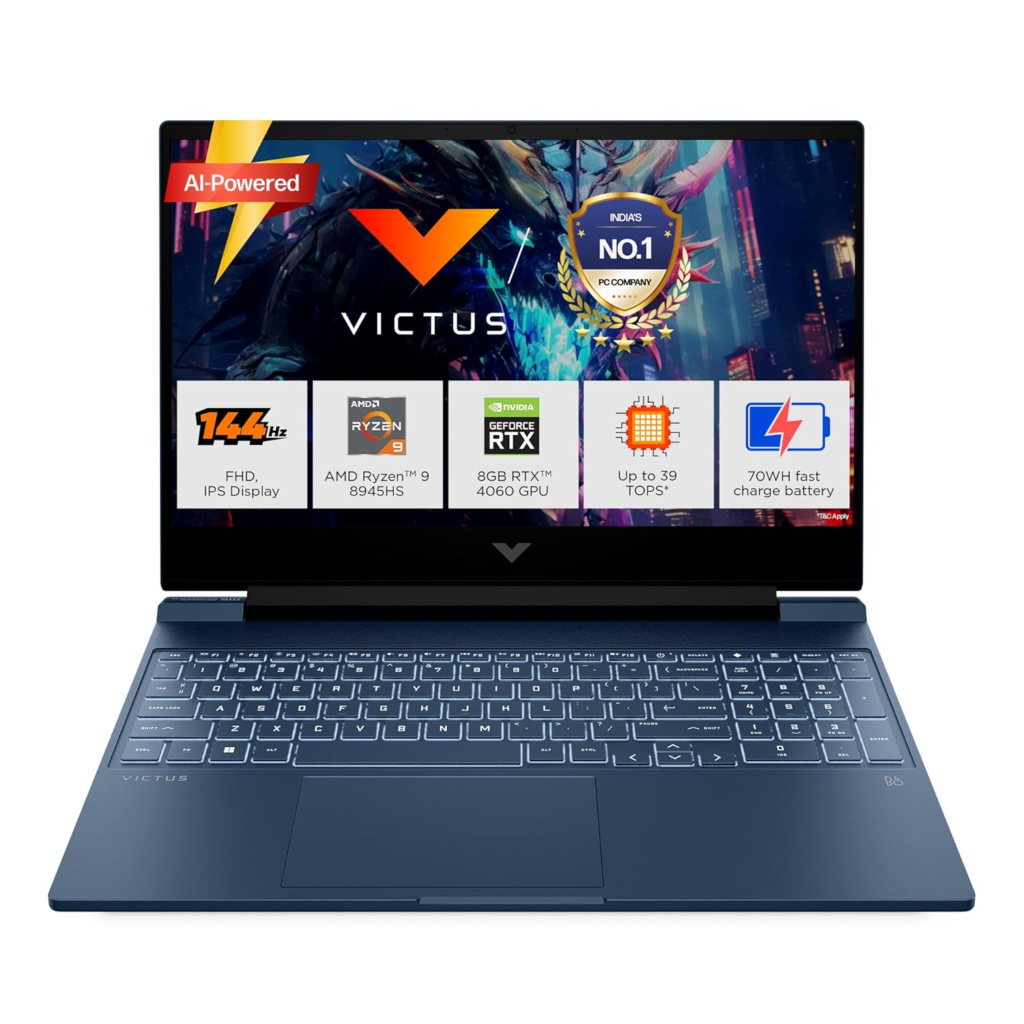
- HP Victus 16 / HP Omen 16 (RTX 4060): A great combination of a high-refresh-rate screen (144Hz+) and the performance needed to drive it smoothly, often with a more understated design than other gaming brands.
Tier 2: Competitive Standard (144–240 FPS)
This tier is the sweet spot for most dedicated players, providing stable, high frame rates well above the 144 FPS benchmark needed for competitive viability without the enthusiast price tag of Tier 1.
- Target User: Serious players and tournament competitors who need 144Hz or 240Hz stability.
- Key Focus: Consistent 144-240 FPS at 1080p High settings.
Recommended Laptop Models:
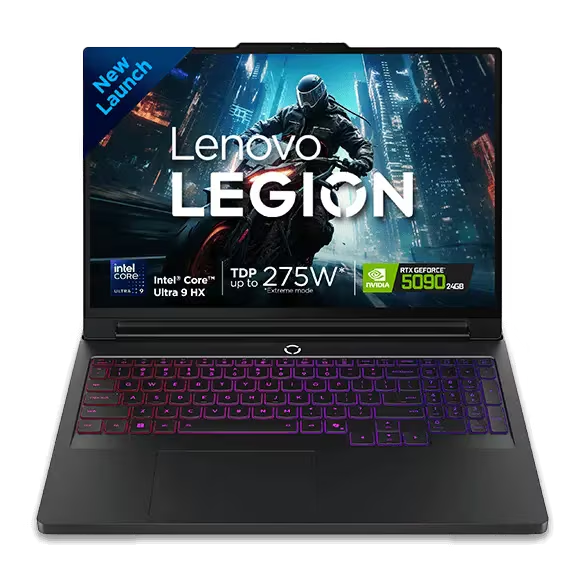
- Lenovo Legion Pro 7i / 5i (RTX 4070 or RTX 5070): Offers the best performance-to-price ratio, featuring excellent displays and highly effective cooling that keeps the FPS stable during long matches.
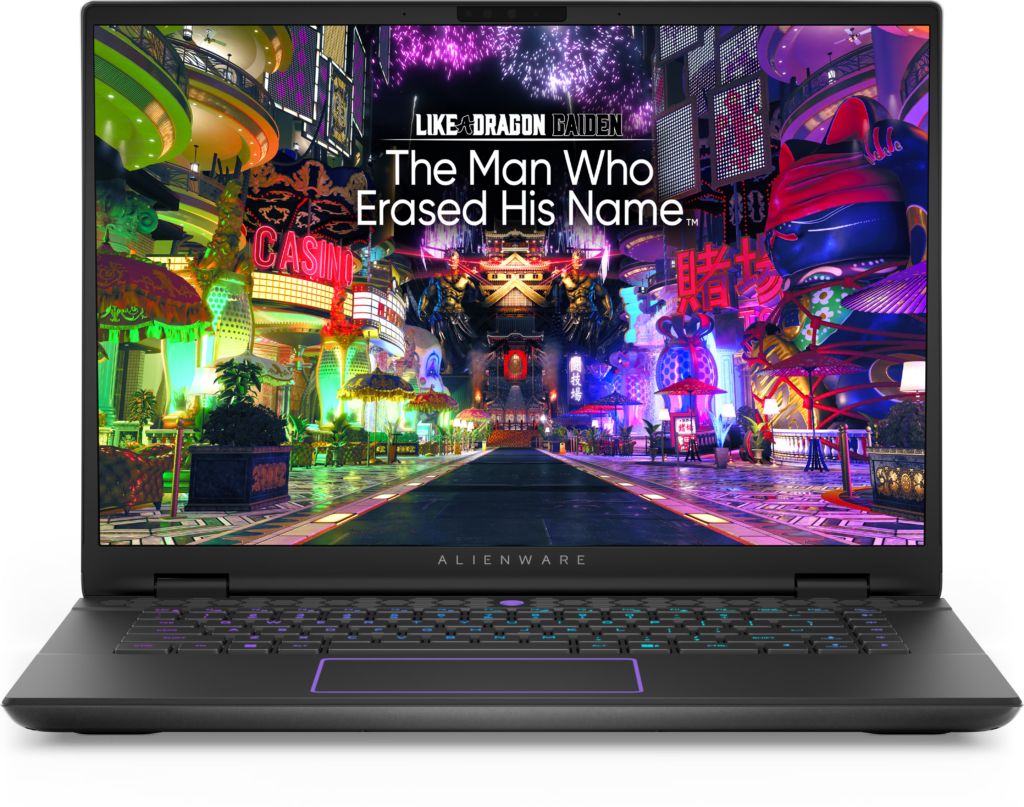
- Alienware m16 / x16 (RTX 4070): Features distinctive design and reliable internal cooling, ensuring a fluid 240Hz experience on its built-in display.
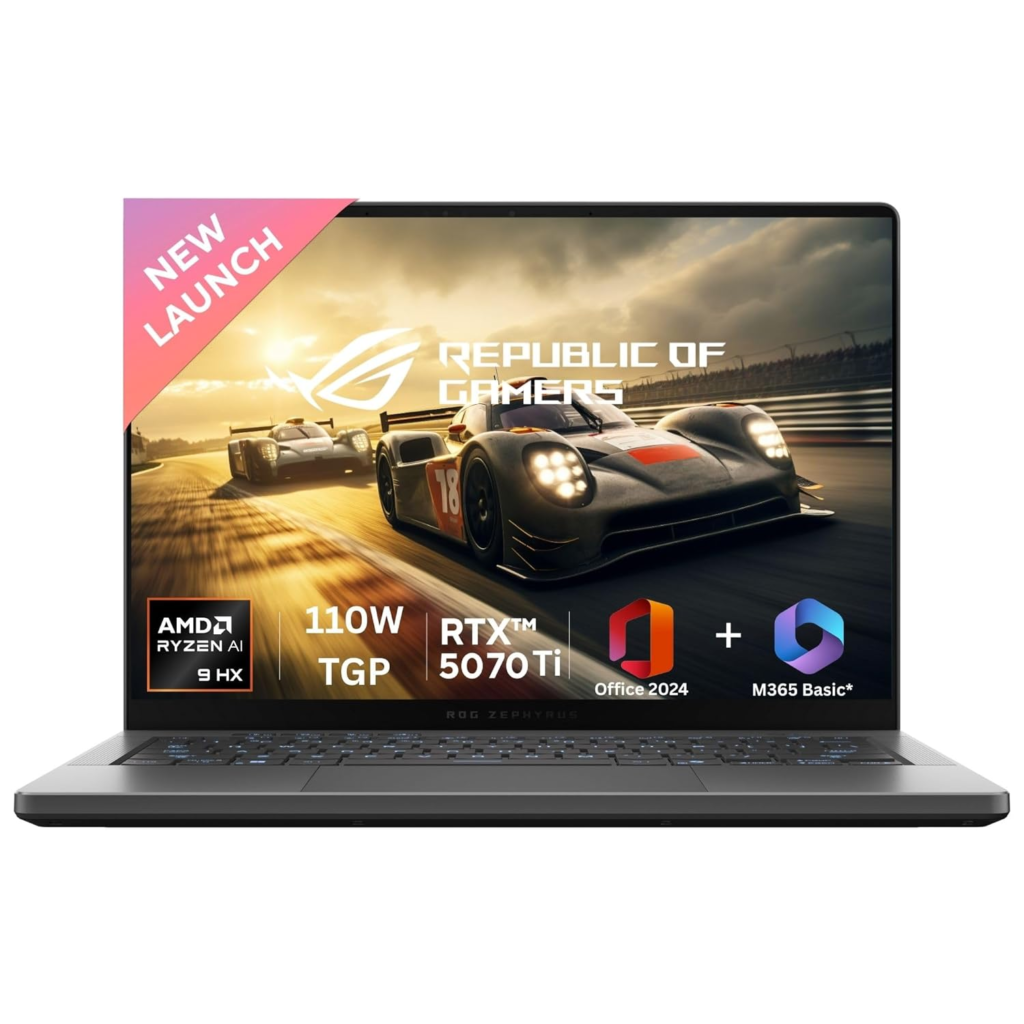
- ASUS ROG Zephyrus G14 / G16 (RTX 4070): Great for competitive players who also value portability, as they maintain high FPS performance in a thinner chassis.
Tier 1: Elite Esports Performance (300+ FPS Ready)
This tier is for the professional or serious amateur who demands absolute competitive advantage. These laptops feature top-tier cooling, the fastest CPUs, and the most powerful GPUs to break the 300 FPS barrier consistently.
- Target User: Dedicated competitive players, aiming for Global Elite or faceit Level 10.
- Key Focus: Sustained 300+ FPS at 1080p, 240Hz/360Hz display, and best-in-class cooling.
Recommended Laptop Models:
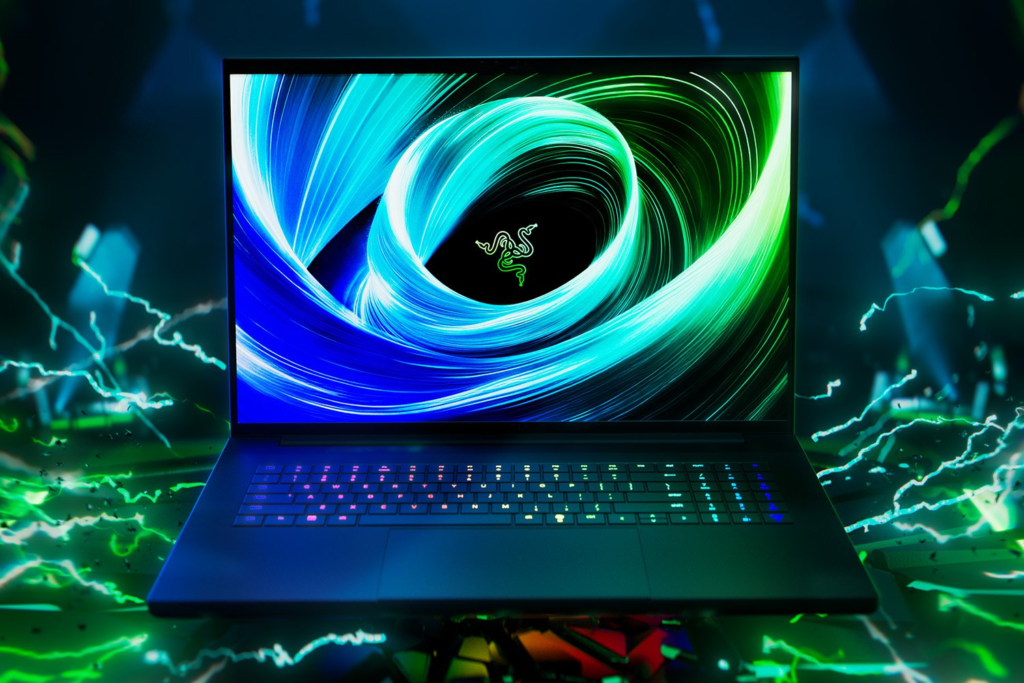
- Razer Blade 16 / Razer Blade 18 (RTX 4080/4090 or RTX 50-Series): Known for their premium, sleek chassis that minimizes visual distraction. The powerful CPU/GPU combination guarantees the high FPS needed for 240Hz+ displays.
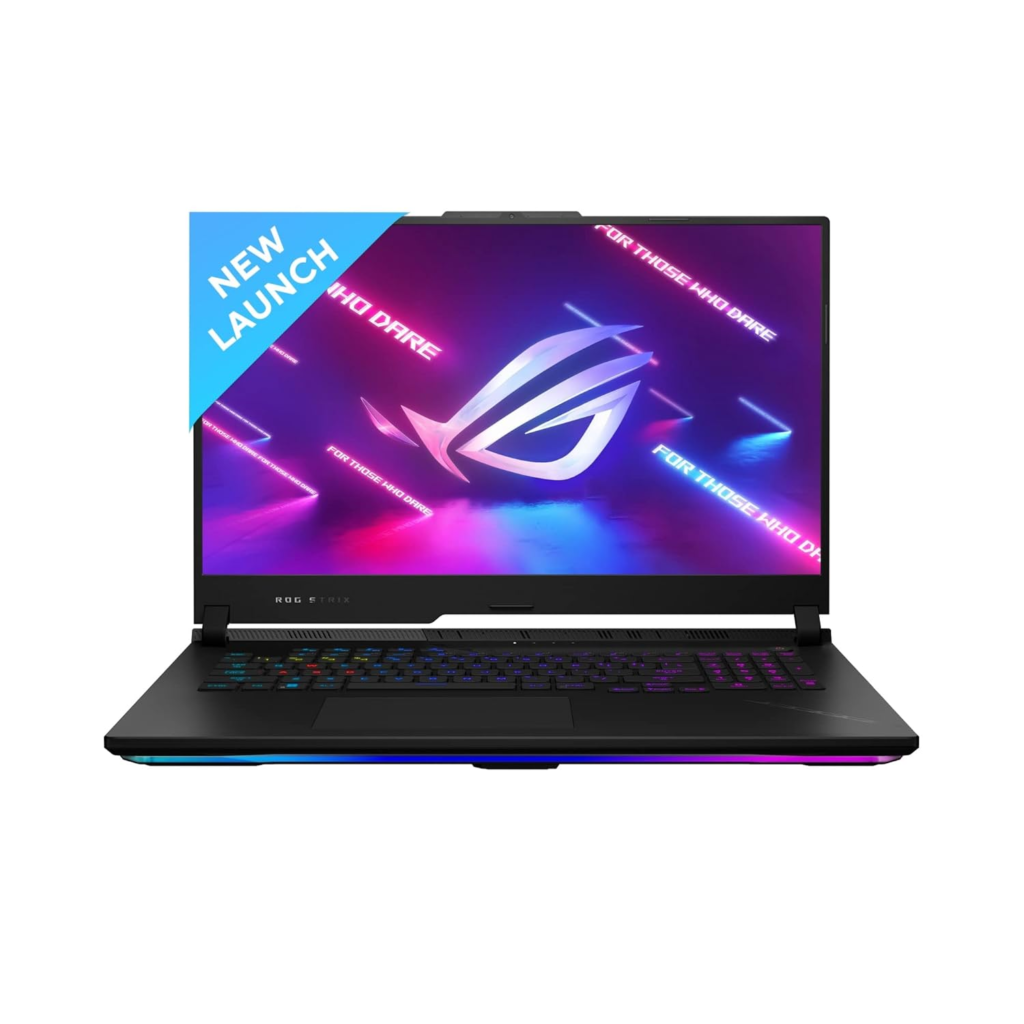
- ASUS ROG Strix SCAR 17/18 (RTX 4080/4090): Designed specifically for high-frame-rate performance with excellent cooling systems (Vapor Chamber) and high-refresh-rate screens, making them desktop replacements for CS2.
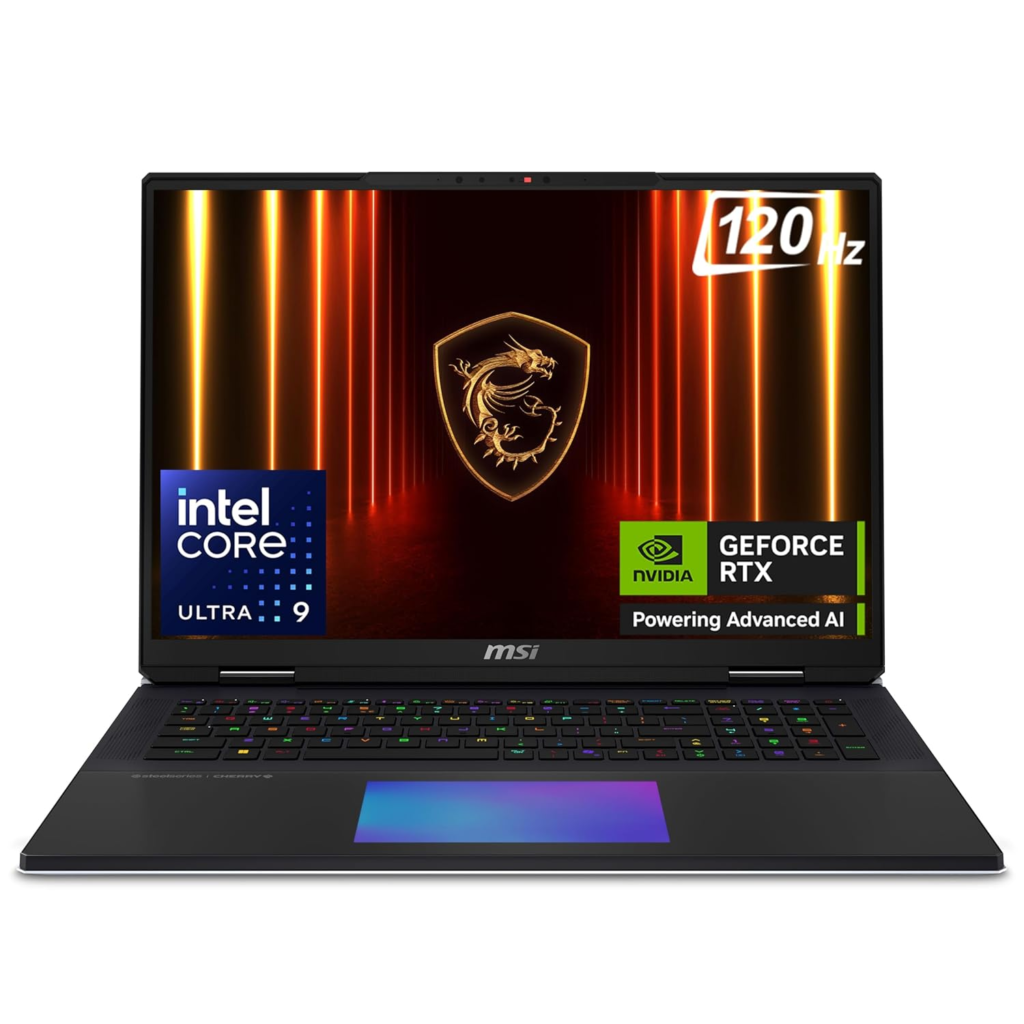
- MSI Titan GT Series: Often featuring desktop-class CPUs and maximum thermal headroom, ensuring the least amount of thermal throttling for long, competitive sessions.
Conclusion: Frame Rate Over Graphics
For Counter-Strike 2, your investment priorities must be Frame Rate and Display Refresh Rate. A laptop with a 240Hz display and an RTX 4070 that delivers 200 FPS is vastly superior to a laptop with a 60Hz display and an RTX 4090 that delivers 500 FPS. The competitive advantage comes from seeing more frames, sooner. Ensure your GPU can drive your screen’s refresh rate consistently, and keep NVIDIA Reflex enabled for the lowest possible input lag.